

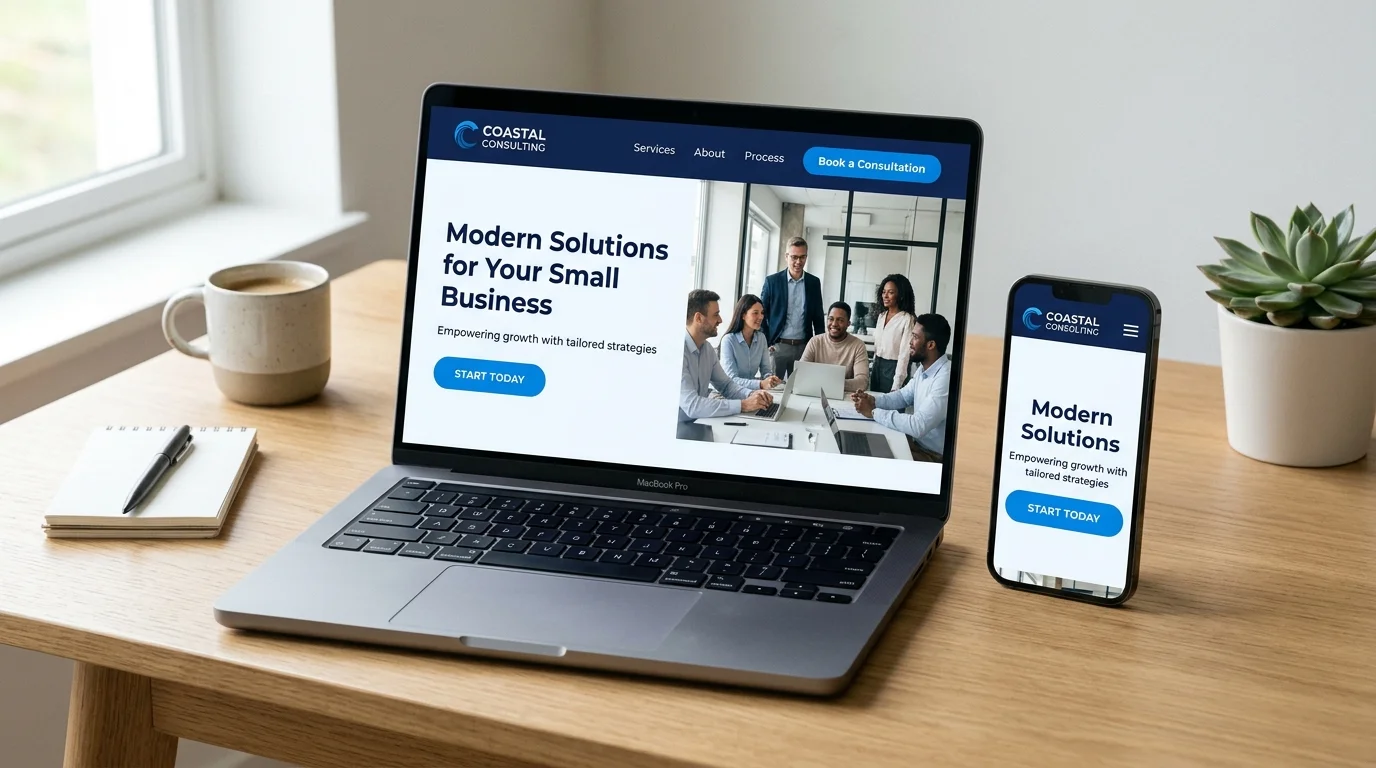
A small business website is not just a digital business card; it is your primary 24/7 sales representative, credibility anchor, and customer service hub. When potential clients look up your business online, they evaluate your credibility within seconds. If your website is confusing to navigate, sluggish on mobile screens, or lacks a clear next step, visitors will leave and contact a competitor.
Following a comprehensive small business website checklist ensures that every critical element—from navigation and page structure to technical speed and lead capture—is planned purposefully before you spend time or money building or redesigning your website.
Quick Summary: The 12-Point Small Business Website Checklist
- 1. Clear Homepage Message: Who you are, what problem you solve, and what action to take.
- 2. Purpose-Driven About Page: Real business background, values, and why clients should trust you.
- 3. Dedicated Service Pages: Individual pages for each core service with benefits, deliverables, and FAQs.
- 4. Accessible Contact Details: Clickable phone numbers, straightforward forms, and location info.
- 5. Obvious Calls to Action (CTAs): Direct, low-friction paths for visitors to enquire or book.
- 6. Responsive Mobile Design: Fast, touch-friendly layouts that look great on any screen.
- 7. Verifiable Trust Signals: Client reviews, genuine case studies, and transparent credentials.
- 8. Search-Friendly Structure: Clean heading tags, descriptive URLs, and helpful on-page content.
- 9. Speed and Performance: Optimized images, efficient caching, and clean modern code.
- 10. Security and Routine Maintenance: Active SSL (HTTPS), regular backups, and software updates.
- 11. Analytics and Conversion Tracking: Google Analytics setup to measure calls and form submissions.
- 12. Business-Specific Functionality: Appointment booking, WhatsApp chat, or eCommerce integration.
Whether you are launching a brand-new website or evaluating an underperforming existing site, this business website checklist helps you audit the twelve essential components required to turn casual visitors into qualified inquiries.
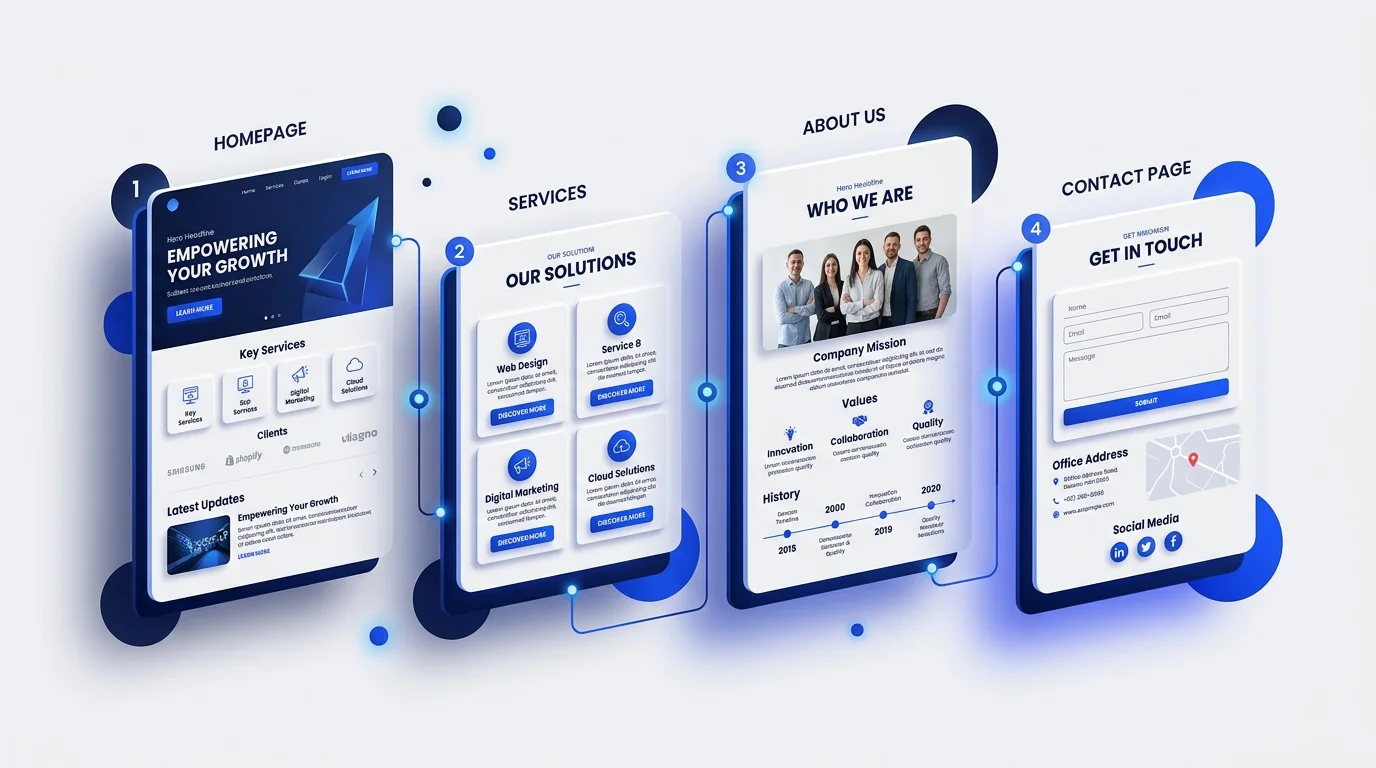
1. A Clear Homepage Message
First impressions form in milliseconds. When visitors land on your homepage, they should not have to guess what your business does. Above the fold (the area visible before scrolling), your homepage must answer three fundamental questions immediately:
- What do you offer? State your core service or product in plain, direct language. Avoid abstract corporate slogans that sound clever but say very little.
- Who is it for? Clarify whether you serve local homeowners, corporate enterprises, eCommerce shoppers, or regional companies.
- What should they do next? Provide a prominent, contrasting button (such as “Request a Quote”, “Book a Consultation”, or “View Our Packages”).
If your hero headline is vague—for example, “Innovating Tomorrow’s Solutions”—visitors will bounce. If it clearly states “Custom WordPress Web Design & Maintenance for Growing Service Businesses”, your target customer knows immediately they are in the right place.
2. A Useful About Page
The About page is consistently one of the top three most-visited pages on service and small business websites. Yet, many businesses treat it as an afterthought filled with generic mission statements.
A high-performing About page is one of the most critical essential business website pages. Use this page to explain:
- Your story and background: Why you started the business, your experience in the industry, and your core values.
- How you work: Your process, quality standards, and what clients can expect when collaborating with you.
- Real human presence: High-quality photos of your team, workspace, or founder. People buy from people, and showing real faces significantly elevates trust.
To see how transparent positioning and clear storytelling build authority, explore our About Vigroos Web Designs page.
3. Dedicated Service or Product Pages
One of the most common mistakes small businesses make is cramming all their offerings onto a single “Services” page with two-sentence bullet points. Grouping everything together damages both user experience and search visibility.
Meeting standard small business website requirements means giving each primary service its own dedicated landing page. Having individual service pages allows you to:
- Target specific search queries (for example, ranking for specialized terms like custom WordPress website development rather than just generic web terms).
- Detail the exact scope of work, step-by-step deliverables, and timelines.
- Address specific client pain points and answer objections with an FAQ section tailored to that service.
- Include relevant client examples or case studies demonstrating previous success in that specific domain.
4. Easy-to-Find Contact Information
If reaching your business requires hunting through complex menus, you are losing leads. Your contact information should be universally accessible across your entire site.
Essential contact elements in your small business website checklist include:
- A dedicated Contact Page: An uncluttered page with an embedded form, direct email address, phone number, and physical business location if applicable (visit our contact page for an example).
- Click-to-call links: Ensure all phone numbers on mobile devices use
tel:links so users can tap and call instantly without copying and pasting. - Streamlined inquiry forms: Ask only for the information you need to initiate contact (name, email/phone, and a brief message). Every extra required field reduces form completion rates.
- Clear operating hours & response timeframes: Let visitors know when they can expect to hear back from you.
5. Clear Calls to Action (CTAs)
Every page on your website should have a clear purpose. What specific action do you want the reader to take after finishing a section or reaching the bottom of a page?
Effective business websites place contextual calls to action throughout their content. Avoid passive endings where the page simply stops after the last paragraph. Instead, provide clear choices:
- Primary CTA: The main commercial goal (e.g., “Schedule an Assessment” or “Get an Estimate”).
- Secondary CTA: For visitors who are not ready to hire you today but want to learn more (e.g., reviewing our JS Education Website Case Study or browsing published work).
6. Mobile-Friendly Design
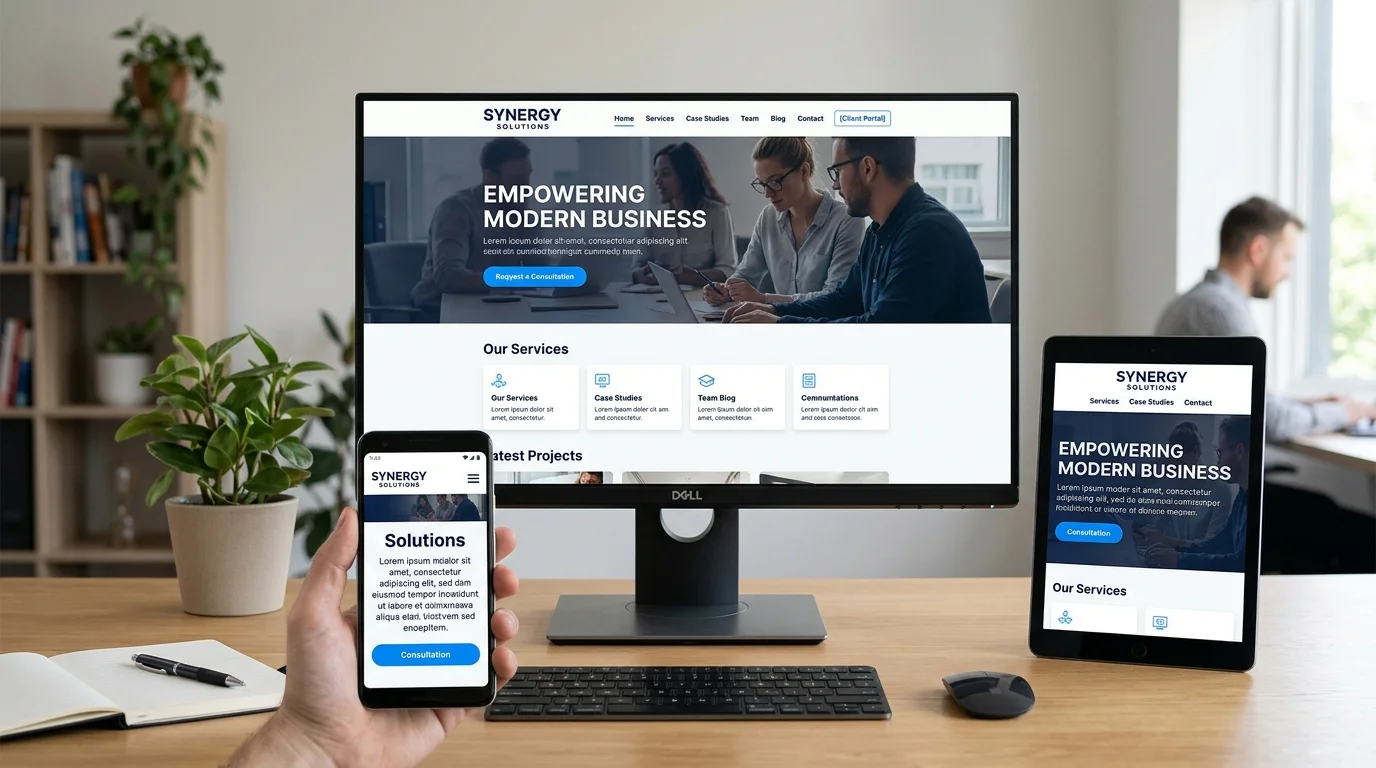
Over 60% of all global web traffic originates from mobile devices, and Google indexes websites based on their mobile version first (Google Search Central: Page Experience Guidelines). If your website requires pinching, zooming, or sideways scrolling on a smartphone, visitors will leave immediately.
Ensure your website satisfies these mobile usability checks:
- Fluid responsive layouts: Content containers and images should automatically scale to fit any viewport dimensions.
- Adequate touch target sizing: Buttons and navigation links must be spaced far enough apart so users do not accidentally tap the wrong link.
- Readable typography: Body text should remain comfortable to read without manual magnification (typically 16px to 18px base font size).
- Clean hamburger navigation: Mobile menus should open smoothly and close effortlessly with visible contrast.
7. Trust Signals and Genuine Proof
Online buyers and prospective clients are naturally skeptical. Trust signals demonstrate that you deliver on your promises and operate a reputable business.
Incorporate authentic credibility markers throughout your website:
- Genuine client testimonials: Quote real clients, including their name, business, and specific outcomes whenever possible.
- Documented case studies: Walk prospective clients through real problems you solved, your strategic approach, and the tangible results achieved.
- Transparent pricing context: Even if your custom work requires tailored quotes, providing clear package baselines or starting prices (such as our transparent website pricing packages guide) builds immense trust compared to competitors who hide all pricing details.
- Industry badges & certifications: Display relevant professional certifications, partnerships, or local chamber memberships.
8. Search-Friendly Page Structure
A visually stunning website cannot help your business if nobody can find it. Modern search engines reward websites built with structured, helpful, and accessible architectures.
According to Google Search Central’s Helpful Content Documentation, search engines prioritize content that is written primarily for humans, demonstrates direct subject knowledge, and presents information logically. Key on-page SEO essentials include:
- Logical heading hierarchy: A single
<h1>per page defining the core subject, followed by orderly<h2>and<h3>subheadings. - Descriptive title tags and meta descriptions: Unique snippets written for humans that accurately summarize each page in search results.
- Clean URL slugs: Short, lowercase permalinks separated by hyphens (e.g.,
/services/wordpress-development). - Informative image alt text: Descriptive alternative text on all meaningful images to aid accessibility and image search indexing.
- Strategic internal linking: Connecting relevant guides and service pages naturally to help search engine crawlers and visitors discover related topics.
9. Website Speed and Performance
Website performance is directly tied to user satisfaction and conversion rates. Studies consistently show that as page load times stretch from one to three seconds, the probability of a visitor bouncing increases dramatically.
Practical ways to keep your website fast include:
- Next-gen image formats: Convert bulky PNGs and JPEGs into modern WebP or AVIF formats before uploading.
- Server-level caching: Use reliable caching plugins or host-level object caching (such as LiteSpeed or Redis) to deliver static assets quickly.
- Lightweight themes and clean code: Avoid bloated multipurpose themes loaded with hundreds of unused scripts and stylesheets.
- Reliable hosting: Choose a solid hosting infrastructure with modern PHP versions and dedicated server resources.
10. Website Security and Maintenance
A website is not a “set-and-forget” project. Content management systems like WordPress power over 40% of the web, making unmaintained websites prime targets for automated bots and security exploits.
Following official WordPress.org Hardening Guidelines, your ongoing maintenance checklist must include:
- Active SSL Certificate (HTTPS): Encrypts data transmitted between visitors and your server, protecting sensitive information and removing browser “Not Secure” warnings.
- Automated off-site backups: Schedule daily or weekly backups stored on an independent cloud server so you can restore your site immediately if an issue arises.
- Regular core and plugin updates: Keep WordPress, your theme, and all active plugins updated to patch security vulnerabilities.
- Login hardening: Use strong unique passwords, two-factor authentication (2FA), and limit login attempts to prevent brute-force attacks.
For a complete breakdown of ongoing website protection, review our detailed monthly WordPress maintenance and security checklist.
11. Analytics and Enquiry Tracking
You cannot improve what you do not measure. Setting up accurate analytics allows you to evaluate which marketing channels generate qualified leads and where visitors drop off.
Before completing your small business website checklist, confirm the following tracking foundations:
- Google Analytics 4 (GA4): Installed correctly to monitor visitor volume, popular landing pages, and traffic sources.
- Google Search Console: Verified to track your organic search impressions, average ranking positions, and crawl errors.
- Conversion event tracking: Set up tracking for meaningful actions, such as clicking a phone number, submitting a quote request form, or booking a discovery call.
12. The Right Website Features for Your Business
Every small business has unique operational needs. Rather than adding complex bells and whistles that slow down your website, choose features that directly save time or generate revenue:
- Direct messaging: Adding a lightweight WhatsApp chat button can dramatically increase local customer enquiries.
- Online appointment scheduling: Integrating tools like Calendly or Amelia allows service clients to book consultations directly on your calendar without phone tag.
- WooCommerce eCommerce functionality: If you sell physical products, digital downloads, or paid courses, a flexible eCommerce store gives you full ownership over customer data and payment processing.
How to Audit Your Existing Site with a Small Business Website Checklist
If your business already has an active website, use this rapid 10-minute audit based on our small business website checklist to identify areas for immediate improvement:
| Audit Area | Key Question to Ask | Action If It Fails |
|---|---|---|
| Clarity | Does the homepage explain what you do in under 5 seconds? | Rewrite the hero headline in plain, customer-focused language. |
| Mobile Usability | Does the navigation and text render cleanly on your phone? | Audit responsive breakpoints and increase button touch sizes. |
| Contact Ease | Can a visitor call or message you in one click? | Add a prominent header phone button and simplified form. |
| Speed | Does the site load in under 2.5 seconds on a mobile connection? | Compress all images to WebP and enable page caching. |
| Trust | Are your reviews, case studies, or credentials up to date? | Add 2-3 recent client quotes and verified project examples. |
| Security | Is SSL active and are all plugins updated to latest versions? | Verify HTTPS and implement a scheduled maintenance routine. |
When Should You Redesign Your Business Website?
Not every website problem requires a complete overhaul. Frequently, small adjustments to your homepage copy, form positioning, or image sizes will resolve underperformance. However, a complete website redesign is warranted when:
- Your business has evolved: You have changed your primary services, raised your pricing, or shifted your target clientele, but your current website still reflects what you did three years ago.
- The website is unmaintainable: You cannot update simple text, add blog posts, or change pricing without contacting a developer for every minor tweak.
- Mobile usability is broken: The current theme architecture cannot be patched to provide a fast, smooth mobile experience.
- Traffic is not converting: Visitors are landing on your site from search engines or ads, but nobody is reaching out or submitting enquiries.
If you are exploring whether your website needs minor updates or a complete foundation overhaul, reading why every small business needs a modern website in 2026 provides helpful strategic perspective.
Need help building your small business website? Connect with a trusted website developer near me in Tamil Nadu to launch a high-converting, mobile-ready WordPress site tailored for client leads.
🚀 Accelerate Your Client Growth: Pair this checklist with our battle-tested small business website secrets to turn passive site visitors into paying clients fast.
Frequently Asked Questions About Small Business Website Requirements
What should a small business website include?
According to any comprehensive small business website checklist, every business website requires a clear homepage with an immediate value proposition, dedicated service pages, an about page establishing credibility, straightforward contact options (form, phone, email), responsive mobile design, and an active SSL certificate.
How many pages does a small business website need?
Most small service businesses perform best with between 5 and 10 focused pages: a Homepage, an About page, 2 to 5 dedicated Service pages, a Case Studies or Portfolio page, a Contact page, and legal policy pages (Privacy Policy and Terms). Quality and clarity matter far more than page count.
Is WordPress suitable for a small business website?
Yes. WordPress is one of the most versatile platforms available for small businesses because it offers complete data ownership, exceptional SEO flexibility, no recurring software subscription lock-in, and the ability to scale from a simple brochure site to a full eCommerce or booking portal as your business expands.
How often should a business website be updated?
Security patches and plugin updates should be reviewed weekly or monthly. Informational content—such as pricing, contact details, and service offerings—should be reviewed quarterly to ensure everything presented to potential customers remains accurate.
Should a small business redesign its existing website?
You should consider a redesign if your current website is difficult to navigate on mobile devices, cannot be easily updated, no longer reflects your current service offerings, or consistently fails to turn website visitors into leads and customer inquiries.
Need Help Improving Your Business Website?
Planning a new business website or considering a redesign? Vigroos Web Designs helps businesses build and improve custom WordPress websites with a focus on clear user experience, responsive mobile design, clean performance, and practical business growth.
Whether you need a fresh digital foundation or want to turn an underperforming website into a dependable lead generator, discuss your website project with Vigroos to explore a practical, tailored approach for your business.